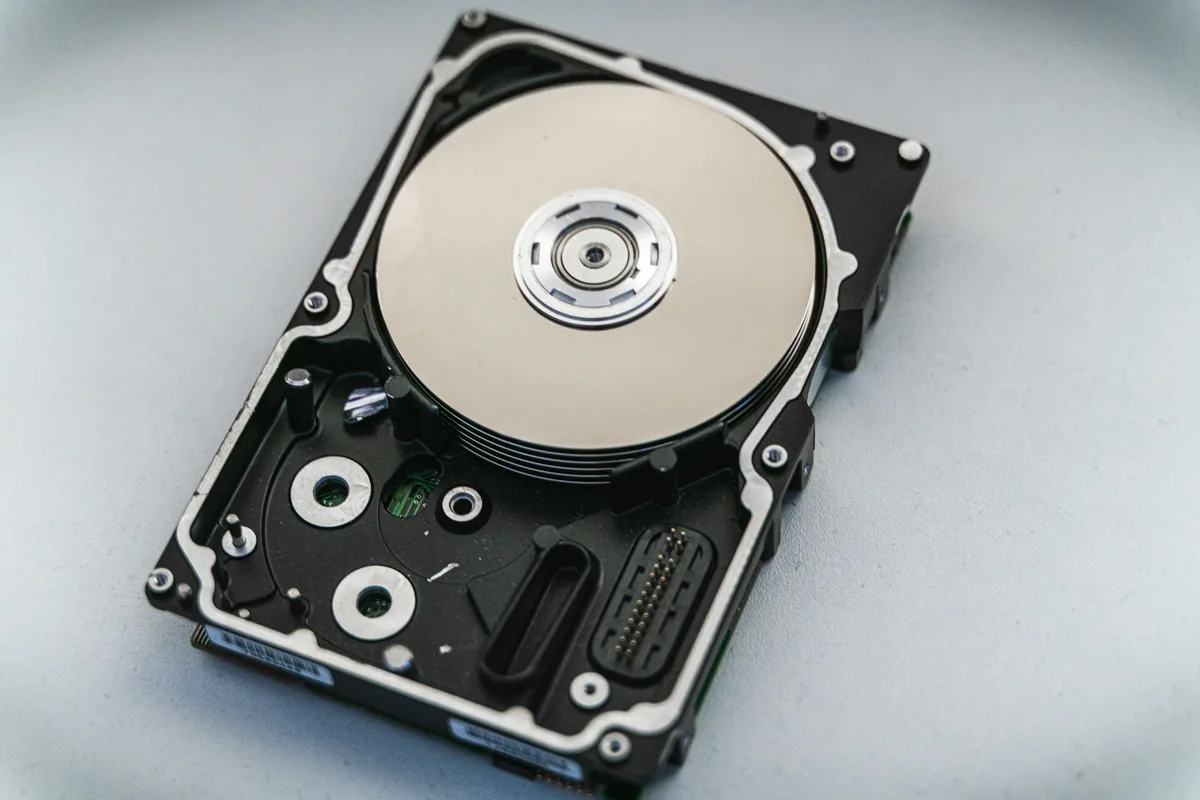
The worst sentence in IT support is "the backup was running fine" - said while standing over a dead server with restore files that turn out to be six months of corrupted nothing. A backup is not the job that runs every night; it is the restore that works when you need it.
The 3-2-1 rule that still holds
Three copies of your data, on two different kinds of storage, one off-site. For a small to medium business in practice:
- Working copy - the live data on your machines/server.
- Local backup - a NAS or backup drive in the office for fast restores.
- Off-site/cloud copy - geographically separate, so fire, flood or ransomware in the office cannot reach it.
Two out of three is common and is not a backup strategy - the single cloud copy encrypted by ransomware is the classic failure.
Microsoft 365 is not backed up
This one surprises people: Microsoft keeps your email running, but it does not back up your data the way you assume. Deleted mailbox items, emptied recycle bins, retention windows that expire - Microsoft is a platform, not a backup. If an employee deletes a folder in anger on their last day, you want a real backup and recovery arrangement behind it, not a support ticket with Microsoft.
The checklist that actually matters
- Is the backup running? - visible, logged, alerting someone when it fails. Silent failure is the norm.
- Has a restore been tested - recently? - pick a real file and restore it, quarterly at minimum. An untested backup is a rumour.
- Is at least one copy offline or immutable? - ransomware specifically hunts for attached backups. Off-site or immutable copies are the ones that survive.
- Who is covered? - laptops that leave the office every night are usually the ones nobody backed up.
- How fast can you actually restore? - a full server restore over a domestic broadband line takes days. Knowing your real restore time before an incident is the difference between a bad morning and a bad month.
The small-business reality
Most SMEs do not need enterprise backup architecture - they need a NAS or cloud backup that runs, gets checked, and restores proven fast, plus a written note of how to get the business running if the office burned down tomorrow. That is exactly what managed backup covers: the boring verification that turns "backup job says success" into "we restored this last month, here is the proof".
If you are checking yours today
Three five-minute checks that catch most failures:
- Find the last restore test date in writing. If nobody knows, there is your answer.
- Check the backup log for the last failure and who was told.
- Ask "if our Microsoft 365 tenant vanished tomorrow, what would we lose?" - the honest answer is usually more than expected.
A free IT audit runs this checklist with you, and for a live backup failing right now, the £39.99 remote repair gets eyes on it today.
What a restore test actually involves
Ten minutes, quarterly: pick a real folder from a month ago, restore it somewhere harmless, open the files, check they are complete and readable. That is it. If you have never done it, do it today - the relief is immediate and so is the bad news if it turns out the backup was not real.
For servers and shared drives the test should include a full-machine restore occasionally - a bare-metal recovery to spare kit or a VM proves the backup can rebuild a whole machine, not just grab files. That one is less frequent but worth doing annually.
Ransomware and the immutable copy
Modern ransomware explicitly hunts for backups - it knows deleting them removes your options. The defences:
- Off-site or cloud copy the malware cannot reach.
- Immutability - backups that cannot be altered or deleted for a set retention window, even by an attacker with your admin credentials.
- Separate credentials - the backup system account different from the domain admin, so a compromised admin account cannot also delete the backups.
This is the part that turns "we have backups" into "ransomware is survivable" - and it is standard in managed backup rather than an expensive extra.
The office-burns-down thought experiment
The question that clarifies everything: if your office did not exist tomorrow - fire, flood, theft - how much of your business could you rebuild, and how fast? Customer records, accounts data, email history, current jobs, the shared drive with ten years of files. The businesses that answer that confidently have three things: an off-site copy, a tested restore, and a written answer to "what do we restore first". The ones that go quiet usually discover they have a backup drive plugged into the server that burned.
It does not need to be dramatic planning - a one-page note naming what gets restored first and roughly how long it takes is more disaster-recovery planning than most small firms have.
Common backup myths, corrected
"It is in the cloud so it is backed up." Synced is not backed up - OneDrive syncs deletions and encryption just as faithfully as it syncs files.
"We have never needed it." Survivorship bias - you need it exactly once, and the day you need it, the check you skipped is the one that matters.
"Backup is expensive." Relative to what? For most small firms a proper setup costs less per month than a single day of being unable to trade.
About the author
Written by Timothy, founder of Riverbank IT Systems - more than 25 years of hands-on business IT. He still runs the free IT audits and scopes every written quote. More about Timothy.
Discuss your IT priorities
Get a free IT audit from Riverbank IT Systems. Free initial advice, with no obligation to proceed.